How to Book Online
In This Guide
Choosing Your Services
Choosing Your Appointment Date & Time
Logging In / Creating Your Online Booking Account
Confirming & Completing Your Booking
Confirmation Email
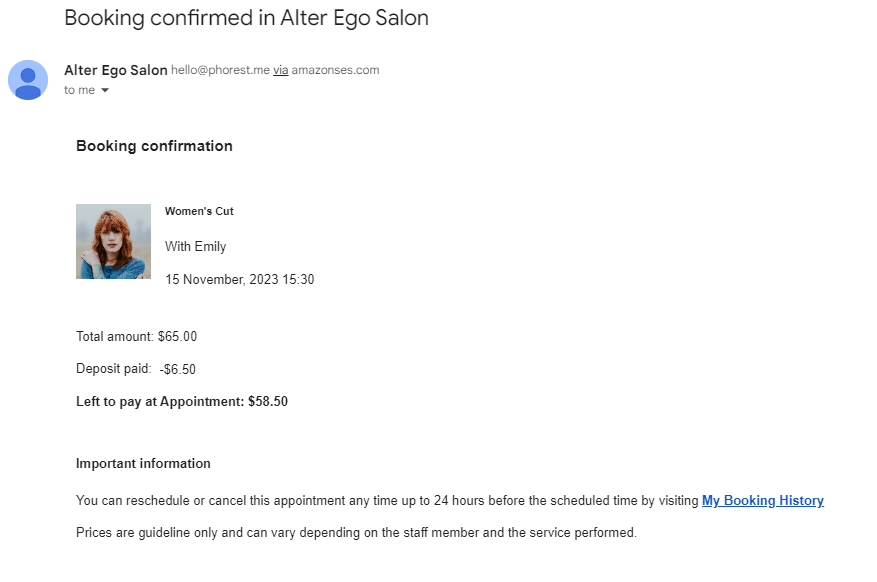
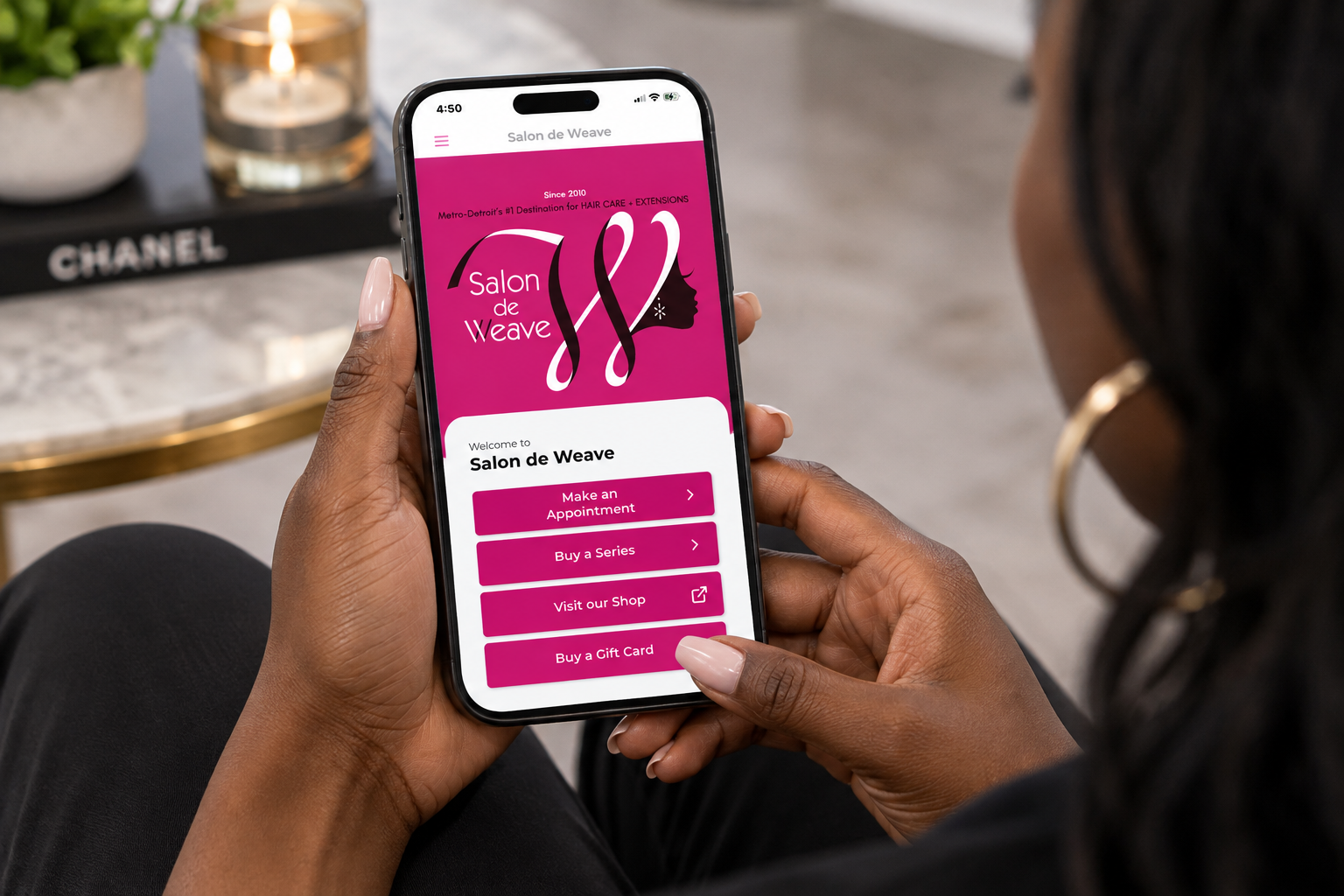
This guide will show you how to book your appointment online with Salon de Weave.
Choosing Your Services
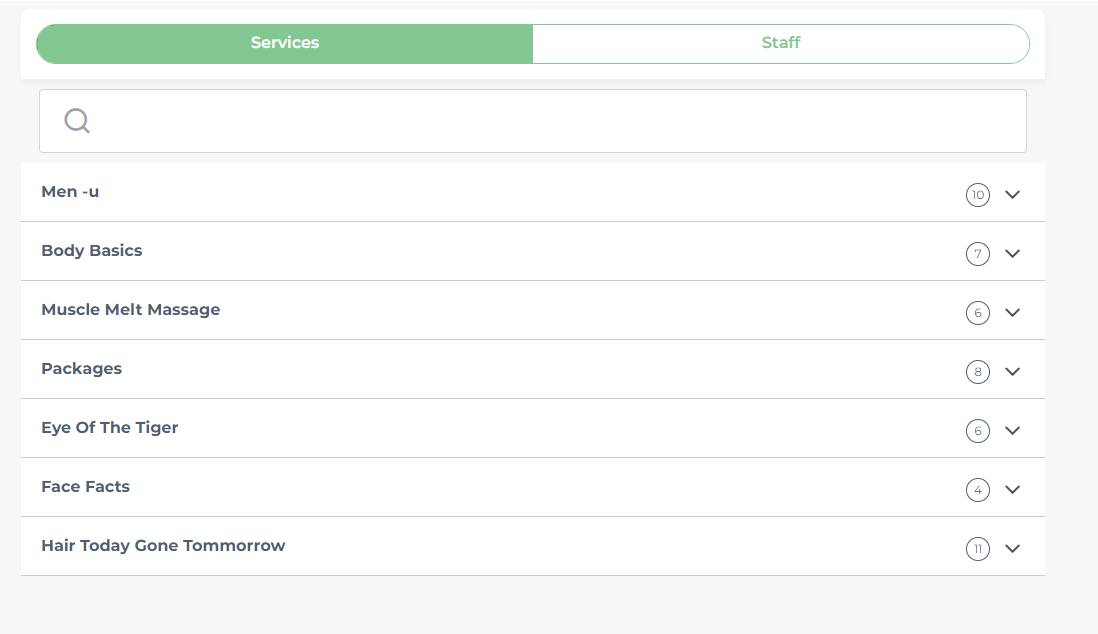
STEP 01First, select the service you would like to book.
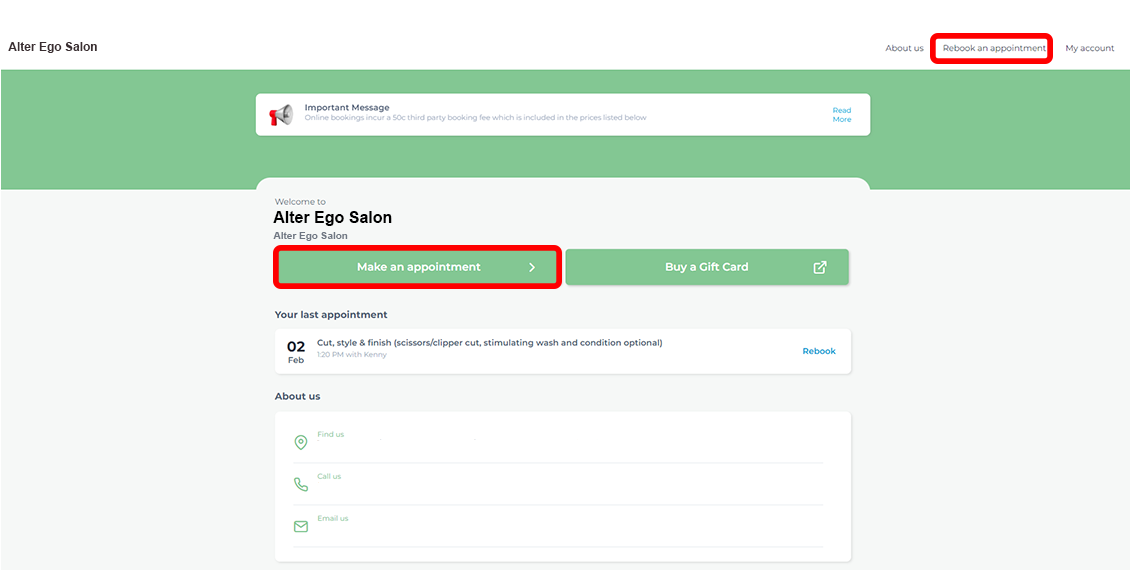
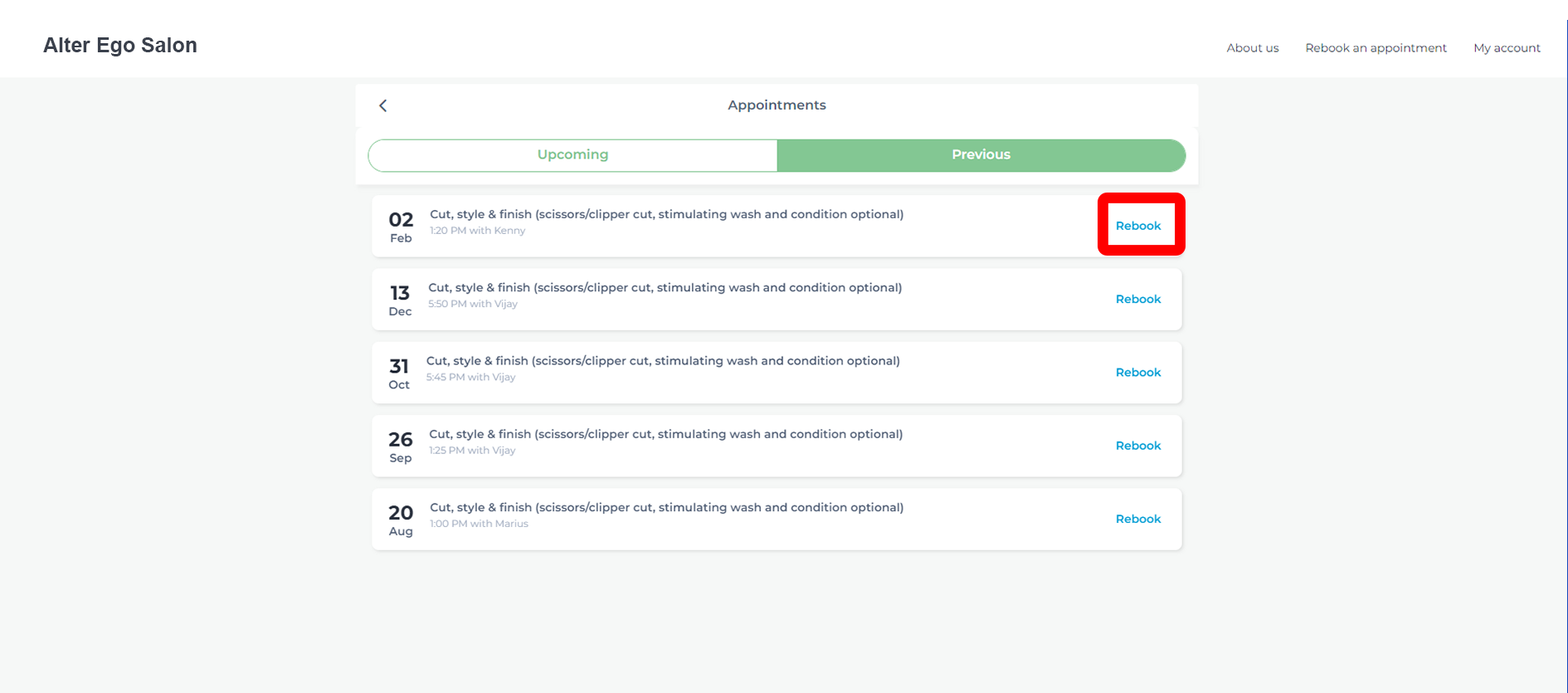
If you’ve had a previous appointment with Salon de Weave, you can easily access your appointment history and rebook. Select Make an Appointment or Rebook an Appointment, then select Rebook from a previous appointment.
STEP 02You can switch between the Service and Staff tabs.
Choose your service first, then select a staff member, or choose your preferred staff member first to see only the services they provide.
Choosing Your Appointment Date & Time
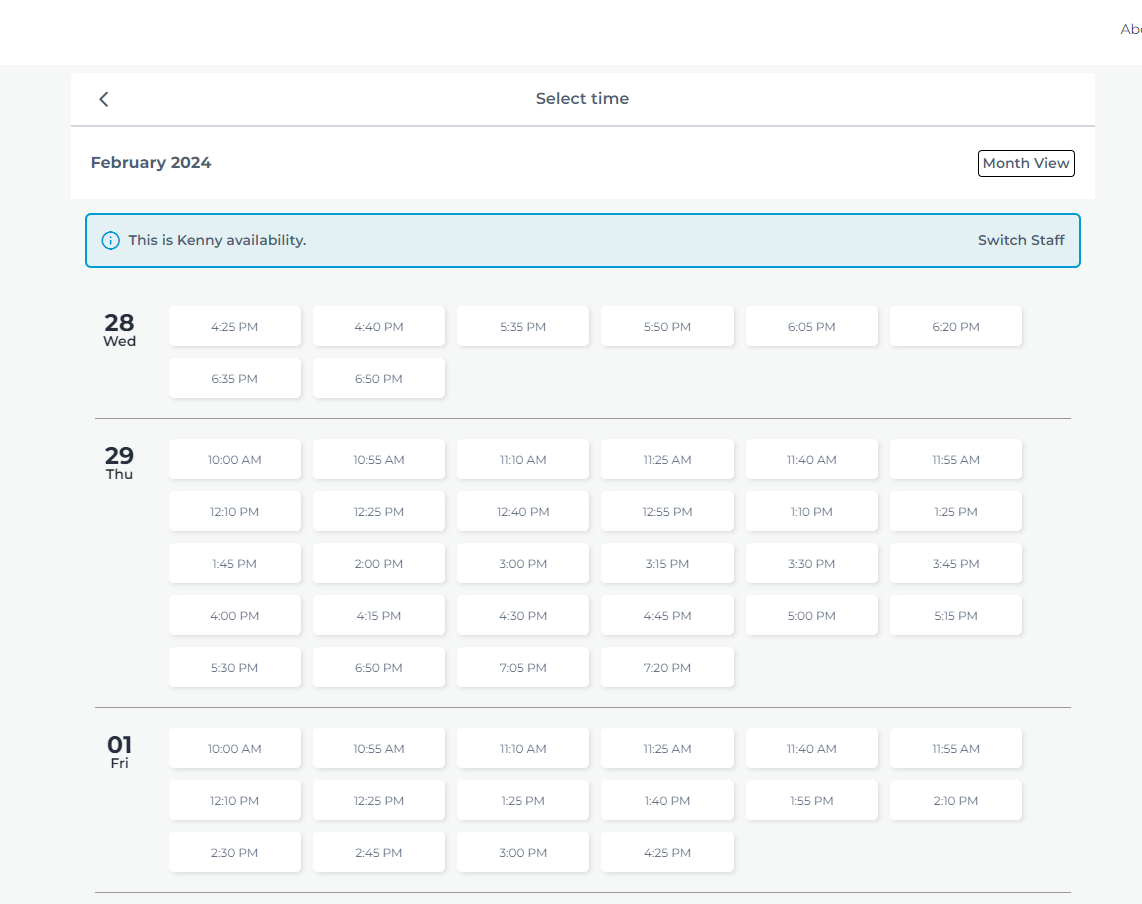
STEP 03Next, choose the date and time for your appointment.
Logging In / Creating an Online Booking Account
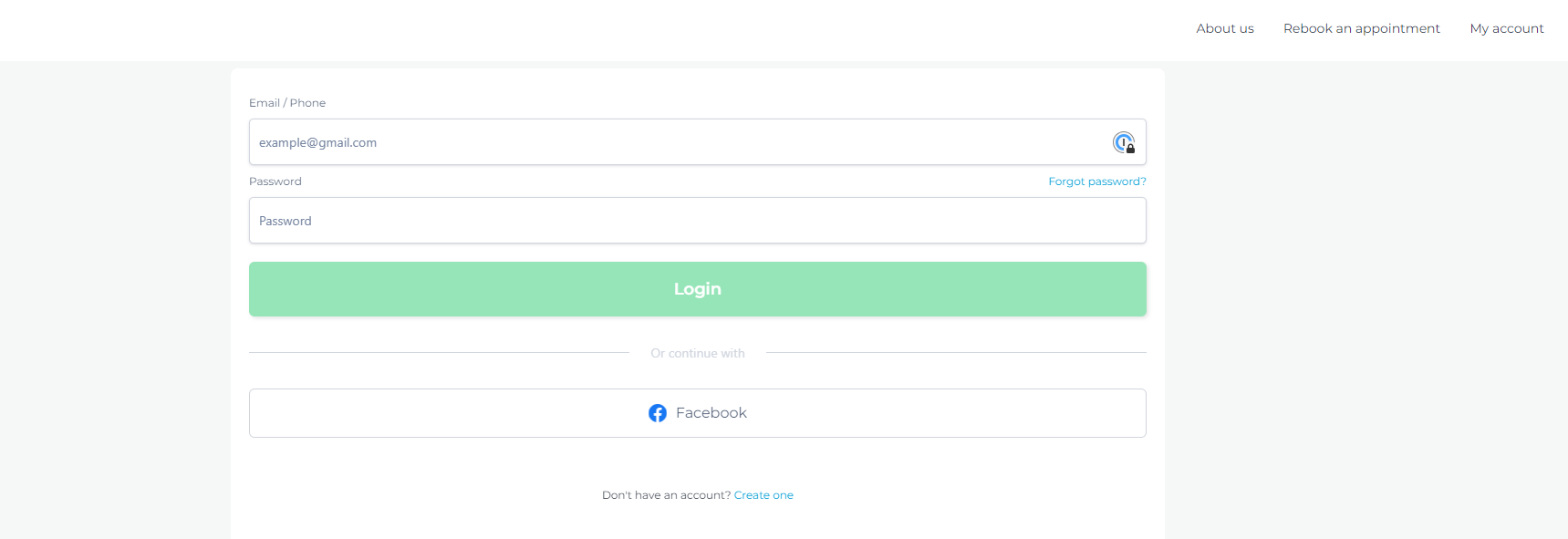
STEP 04If you’re not already logged in, you’ll be prompted to log in or create an account after selecting your appointment date and time.
You only need to create your account once. Once your information is saved, you won’t have to enter it again each time you book, making future appointments faster and easier.
Confirming & Completing Your Booking
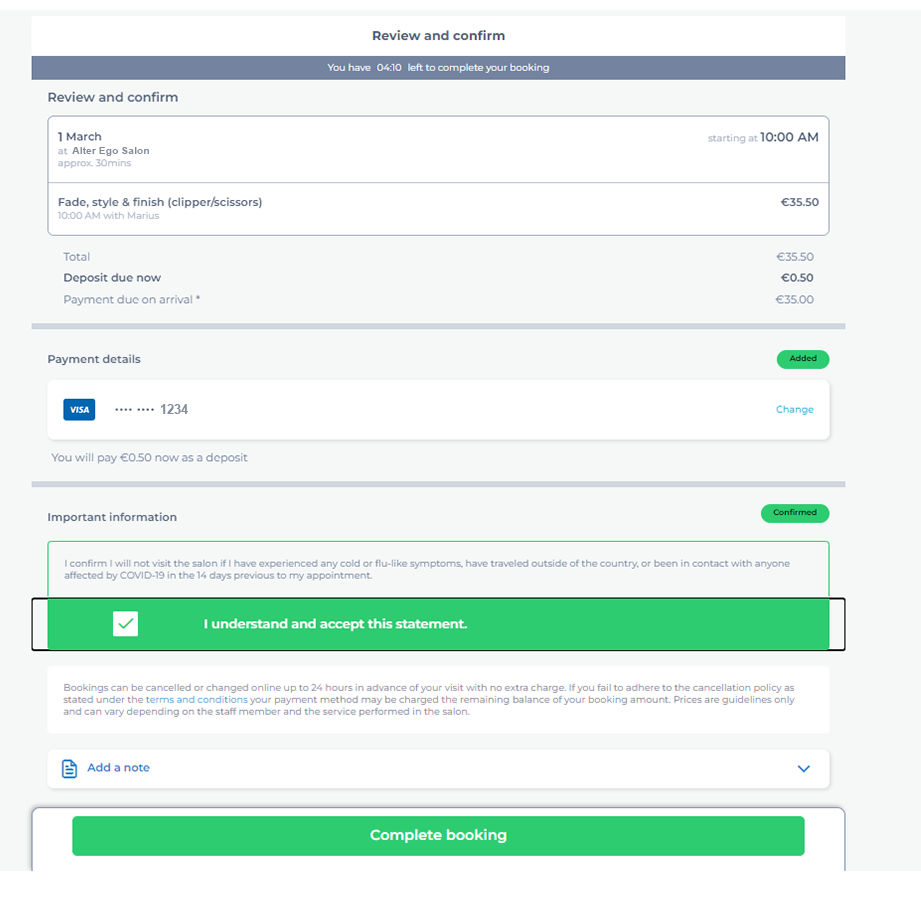
STEP 05Finally, you’ll be directed to the confirmation page.
Review your appointment details, pay the required booking deposit, and agree to the Salon de Weave Booking Policy.
If there’s anything you’d like your stylist to know before your appointment, use Add a Note to include a message.
Once everything is confirmed, select Complete Booking.
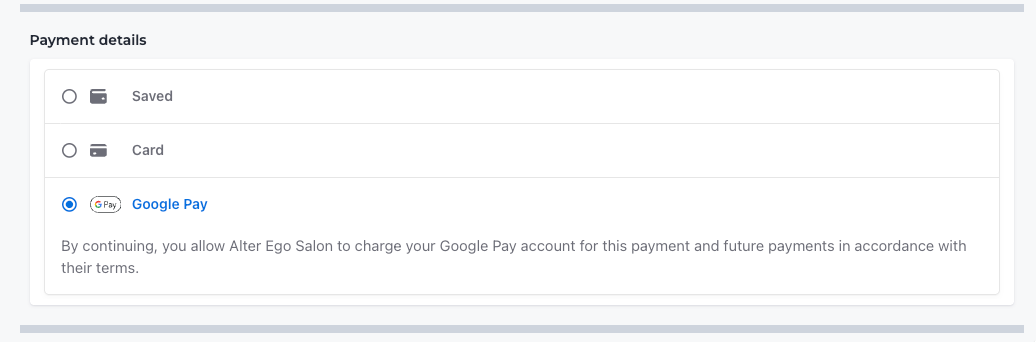
Apple Pay & Google Pay
You can use Apple Pay or Google Pay to pay your booking deposit when available.
Make sure you’re signed in to your Apple or Google account on your device or browser for the payment option to appear.

Confirmation Email
STEP 06Once your booking is complete, you’ll receive a confirmation email with your appointment details.
Please check your email to make sure your booking was successfully completed.